Why Every Invoicing App Feels Like It Was Made for Accountants (And Why That's a Problem)
Choose your hands-free workspace
On your laptop / desktop
Copying numbers from client emails or fumbling with manual dashboards?
Get SMASH for Chrome
Build and push line-itemed invoices from Gmail in under 20 seconds.
Add to Chrome — FreeIn your truck / on-site
Dirty hands, cracked screen, no patience for typing on glass?
Get SMASH for mobile
Talk for 30 seconds. Drive away with the invoice already sent.
Download the iOS appGlobal compliance regions
US: Sales tax, QuickBooks sync · UK: VAT-compliant invoices · CA / NZ / AU: Local tax rules, Xero integration
For a long time, I thought the problem was me.
I would open a new invoicing tool, look at the dashboard, and feel an immediate sense of dread. I assumed that because I struggled to stay on top of my billing, I was simply "bad at the business side of things." I figured the industry-leading apps had already solved this, and I was just the outlier.
So, I did what any frustrated entrepreneur does: I tried them all.
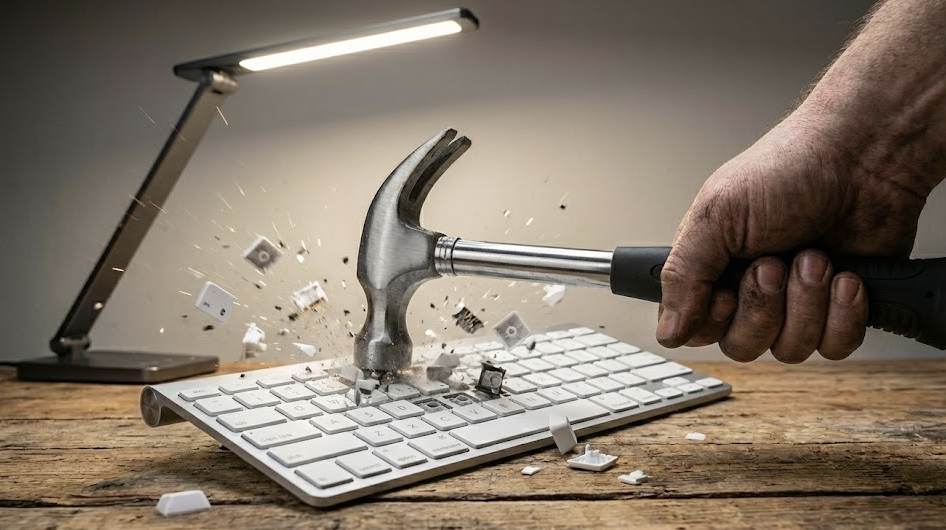
The "Desktop Delusion" of Modern Software
Most invoicing tools share a fatal flaw: they assume you are sitting at a desk with a cup of coffee and time to think.
They were designed by people in office chairs for people in office chairs. While that works for a corporate accounting department, it fails the person actually doing the work. These apps feel like they were designed by accountants—which makes logical sense—but they ignore the "in-the-trenches" reality of modern business.
The Gap Between Design and Reality
When you're running a business, work doesn't happen in a vacuum. It happens in the "in-between" moments. Here is the reality of my invoicing process versus what the apps expected:
The App Expected: A quiet environment to categorize line items and apply tax templates.
The Reality: I was in my car, parked outside a client's house, or grabbing a quick bite between jobs.
The App Expected: Perfect data entry with every dropdown menu selected.
The Reality: Half the details were still in my head, and I needed to get them on "paper" before the next meeting wiped my memory.
Why "Feature-Rich" Often Means "Friction-Full"
We've been conditioned to believe that more features equal more value. But when you're invoicing from your phone, every extra field is a barrier to getting paid.
| The Feature Overload | The Practical Result |
|---|---|
| Complex Templates | Spending 10 minutes adjusting margins on a 5-inch screen. |
| Deep Categorization | Decision fatigue before you even hit "Send." |
| Mandatory Fields | Being blocked from finishing because you don't have a zip code. |
| Desktop-First UI | Tiny buttons that are impossible to tap with "working hands." |
The "Aha!" Moment: It's About Behavior, Not Billing
That's when it finally clicked. The problem wasn't invoicing; the problem was how these tools expected me to behave.
Invoicing shouldn't require a mindset shift. It shouldn't require you to stop being a "doer" and start being an "administrator." The moment you finish a job is the moment the details are freshest and the client's gratitude is highest. That is the "Golden Window" for invoicing.
What "Mobile-First" Actually Means
True mobile invoicing isn't just a shrunk-down version of a website. It's a tool that respects your context. It understands that:
- Speed is the only feature that matters when you're between jobs.
- Thumb-friendly design isn't a luxury; it's a necessity.
- Capturing the thought is more important than perfect categorization in the moment.
Final Thoughts
If you've felt frustrated by the bloat of traditional billing software, stop blaming yourself. You aren't "bad at business." You're just using tools that weren't built for the way you actually work.
We don't need more "powerful" apps. We need practical ones. We need tools that let us get back to the work we actually love doing.
Ready to Take Control?
Stop fighting your software and start getting paid. Ready to see how invoicing was meant to feel?