What Is Voice to Invoice? Talk the Job, Send Before You Leave
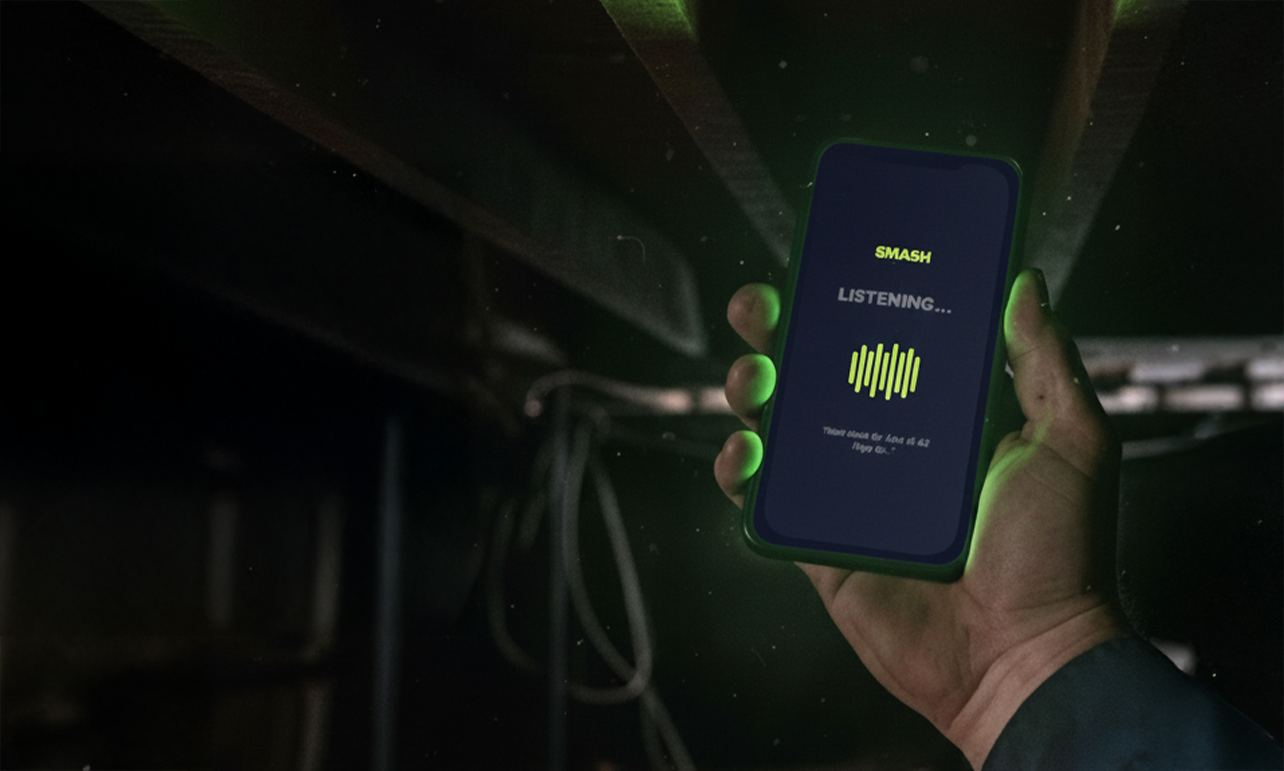
Choose your hands-free workspace
On your laptop / desktop
Copying numbers from client emails or fumbling with manual dashboards?
Get SMASH for Chrome
Build and push line-itemed invoices from Gmail in under 20 seconds.
Add to Chrome — FreeIn your truck / on-site
Dirty hands, cracked screen, no patience for typing on glass?
Get SMASH for mobile
Talk for 30 seconds. Drive away with the invoice already sent.
Download the iOS appGlobal compliance regions
US: Sales tax, QuickBooks sync · UK: VAT-compliant invoices · CA / NZ / AU: Local tax rules, Xero integration
Short answer
Voice to invoice means you describe the finished job out loud on your phone, the app turns that speech into priced line items from your catalog, you verify the lines, and you send a tax-ready PDF — usually in about 30 seconds, before you leave the driveway.
It is the opposite of Sunday-night Excel. It is also not “AI that invents prices.”
If you only need the product page, start here: Voice to invoice on iPhone.
Why the phrase matters
People search “voice to invoice” when they already know typing on a cracked screen after a long job is the bottleneck. They are not looking for another template. They want:
- Capture the job while details are fresh
- Prices that match what they actually charge
- A payable document out the door same visit
That is an on the job invoice — and the same loop works as an instant quote when someone asks “how much?” before you pack up.
What voice to invoice is (and is not)
| It is | It is not |
|---|---|
| Talk → verify → send | Dictating a paragraph into Notes |
| Your rates and materials catalog | Generic AI guessing dollar amounts |
| Tax-ready PDF + Pay Now | A draft email you still retype |
| ~30 seconds on site | A 20-minute kitchen-table session |
SMASH flags unmatched items so you price them. That verify step is the product — not optional theatre.
The 30-second loop
- Talk — labour, materials, call-out or travel fees in plain language (often under 20 seconds of speech).
- Verify — check quantities and catalog prices; fix anything flagged.
- Send — PDF with GST where needed and a card payment link.
Desk requests that arrive by email use the sister workflow: email to invoice in Gmail.
Why same visit beats “I’ll invoice later”
Details fade. Forgotten fittings and fees are the quiet profit leak. Invoices sent within hours of the job consistently get paid faster than a Sunday batch. For the Australian timing question, see how long after a job you should send the invoice.
Voice to invoice exists so “later” never becomes the default.
Instant quote on the same visit
Sometimes the customer wants a number before they say yes. Same voice flow: scope out loud, verify, send a quote. When the job is done, convert and send the invoice without rebuilding the work from memory. That is how instant quote and quick invoice sit next to voice to invoice in real jobs — one product habit, two document types.
First quote wins. If speed to estimate is the pain, read first quote wins — instant quote on site.
Who it is for
Self-employed and small crews who sell labour and materials from a van, ute, or site — cleaners, sparkies, plumbers, handymen, pest, painters, and similar. If you already know your rates and hate retyping them, you are the user.
If you need the full field walkthrough with video, read voice to invoice workflow and fastest way to send an invoice.
Bottom line
Voice to invoice is the category name for speak the job, use your prices, send before you leave. About 30 seconds. Same loop wins the job with an instant quote, then gets you paid with the invoice.
Get voice to invoice on iPhone · First quote wins · Add the Gmail extension
Frequently Asked Questions
What does voice to invoice mean?
You describe labour, materials, and fees out loud. Software builds a structured invoice from your speech and your saved rates, you verify every line, then you send a GST-ready PDF with a payment link.
How is voice to invoice different from voice notes or ChatGPT?
A voice note is unstructured text. ChatGPT drafts wording but does not know your rates or produce a payable tax invoice. Voice to invoice maps speech to your catalog and flags unknowns instead of guessing prices.
How long does voice to invoice take?
About 30 seconds end to end once your pricing is set up: a short recording, a quick verify pass, then send. Many operators finish before they start the van.
Can I use the same flow for an instant quote?
Yes. Talk the scope, verify priced lines, and send a quote on site when the customer wants a number before you leave — then convert to invoice when the job is done.
Do I still review the invoice before it sends?
Yes. Nothing sends without your check. That review step is what keeps catalog pricing honest and prevents silent AI guesses.